English Studio (ENGL 1007)
University of Connecticut, Storrs, CT
Spring 2026 - 2027
Average of 11 students per section
Course Overview
English Studio is a first-year writing and digital literacy course that introduces students to multimodal composition, digital storytelling, and portfolio development. The course encourages students to communicate ideas beyond traditional text by integrating visual, interactive, and web-based media. Through project-based learning, students explore accessibility, digital citizenship, curation, usability testing, and professional self-presentation while developing critical and creative communication skills.
Student Work Preview
Student Population
I taught three sections of English Studio, serving approximately 100 first-year undergraduate students from a wide range of disciplines, including business, liberal arts, sciences, music, athletics, and engineering. Because students entered with diverse levels of technical and design experience, instruction emphasized accessibility, scaffolded learning, and individualized feedback to support different learning needs and backgrounds.
Student Work Preview
Teaching Approach
The course adopted a studio-based learning environment that combined short lectures, technical demonstrations, collaborative discussion, and hands-on project development. Students learned through iterative making, peer critique, and reflection, allowing them to strengthen both digital literacy and creative confidence. My teaching focused on creating an inclusive classroom where students could connect personal interests, academic goals, and social issues through digital media production.
Key Course Modules
Photography Editing & Visual Storytelling
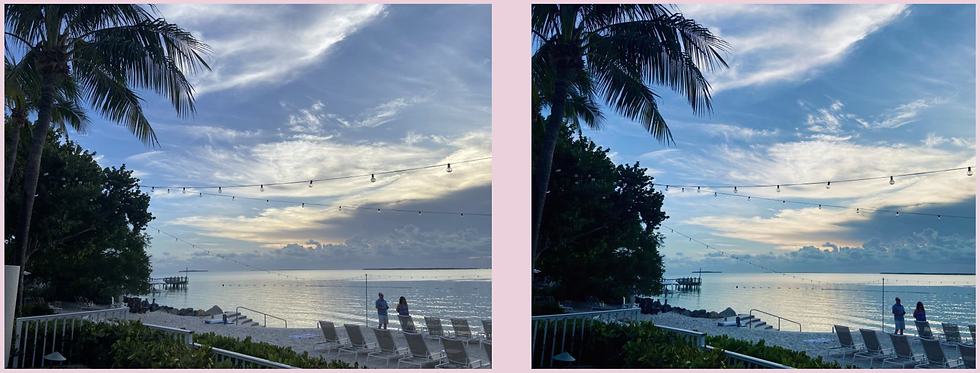
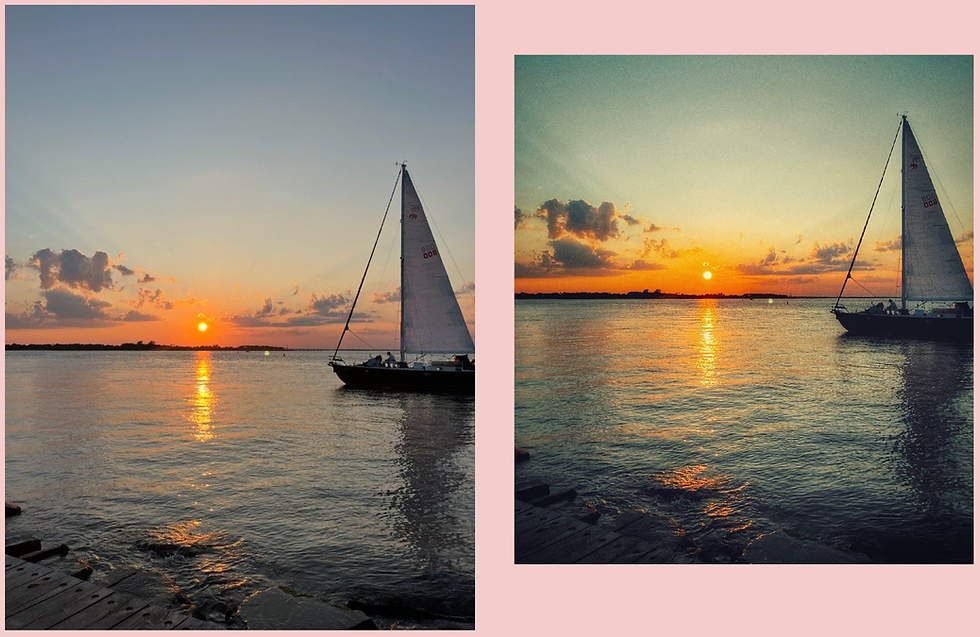
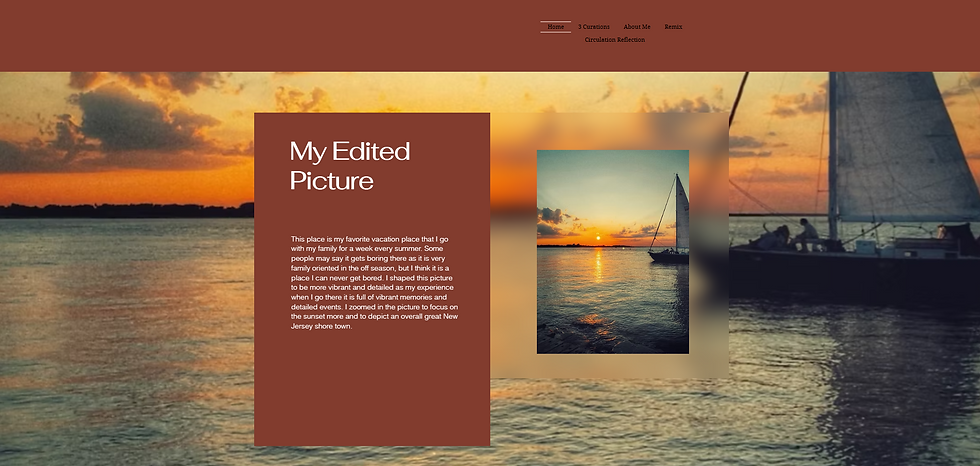
Students explore photography as a form of visual communication through creative editing activities. By analyzing and modifying their own photographs, they learn how artistic choices—including composition, color, cropping, and visual emphasis—shape meaning and audience interpretation. The project encourages students to develop intentional design decisions while reflecting on the relationship between aesthetics and communication.
Skills Developed
-
Visual communication
-
Creative decision-making
-
Image editing fundamentals
-
Critical reflection on artistic intent




Student Work Preview
Students explore photography as a form of visual communication through creative editing activities. By analyzing and modifying their own photographs, they learn how artistic choices—including composition, color, cropping, and visual emphasis—shape meaning and audience interpretation. The project encourages students to develop intentional design decisions while reflecting on the relationship between aesthetics and communication.
Skills Developed
-
Visual communication
-
Creative decision-making
-
Image editing fundamentals
-
Critical reflection on artistic intent
Remix Project
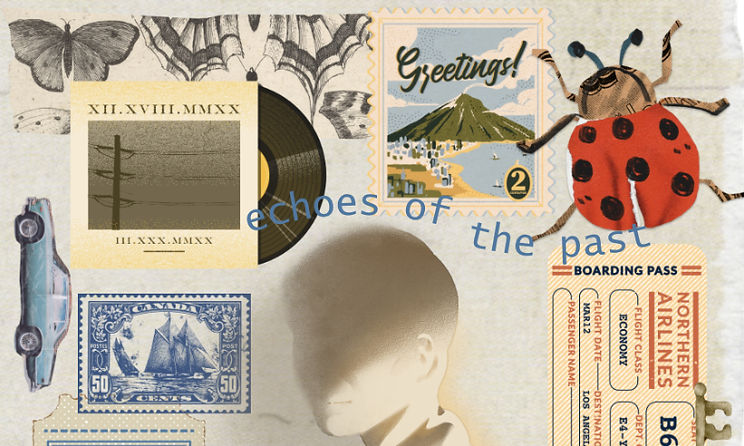
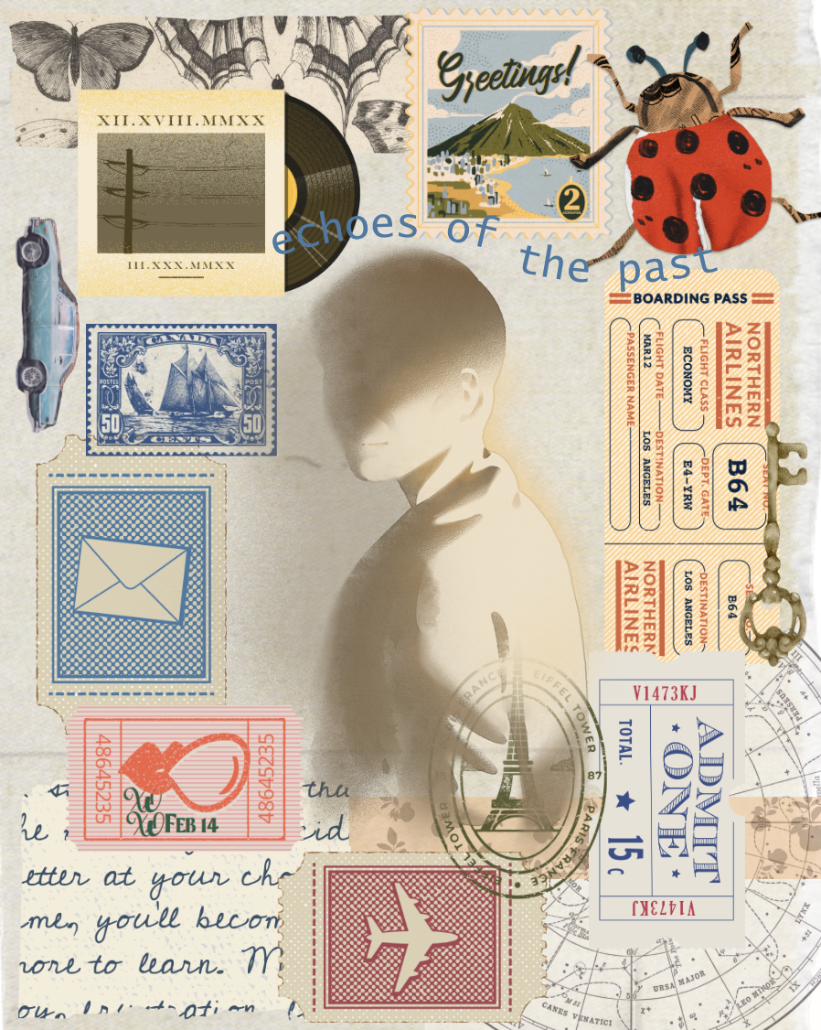
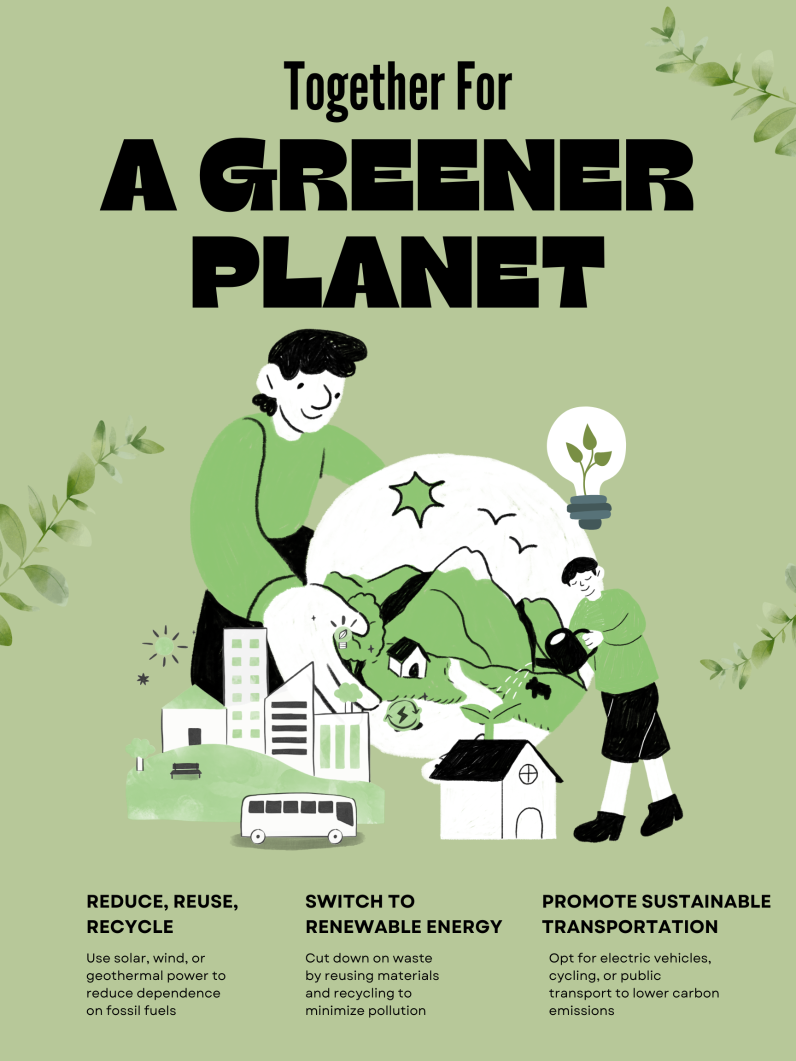
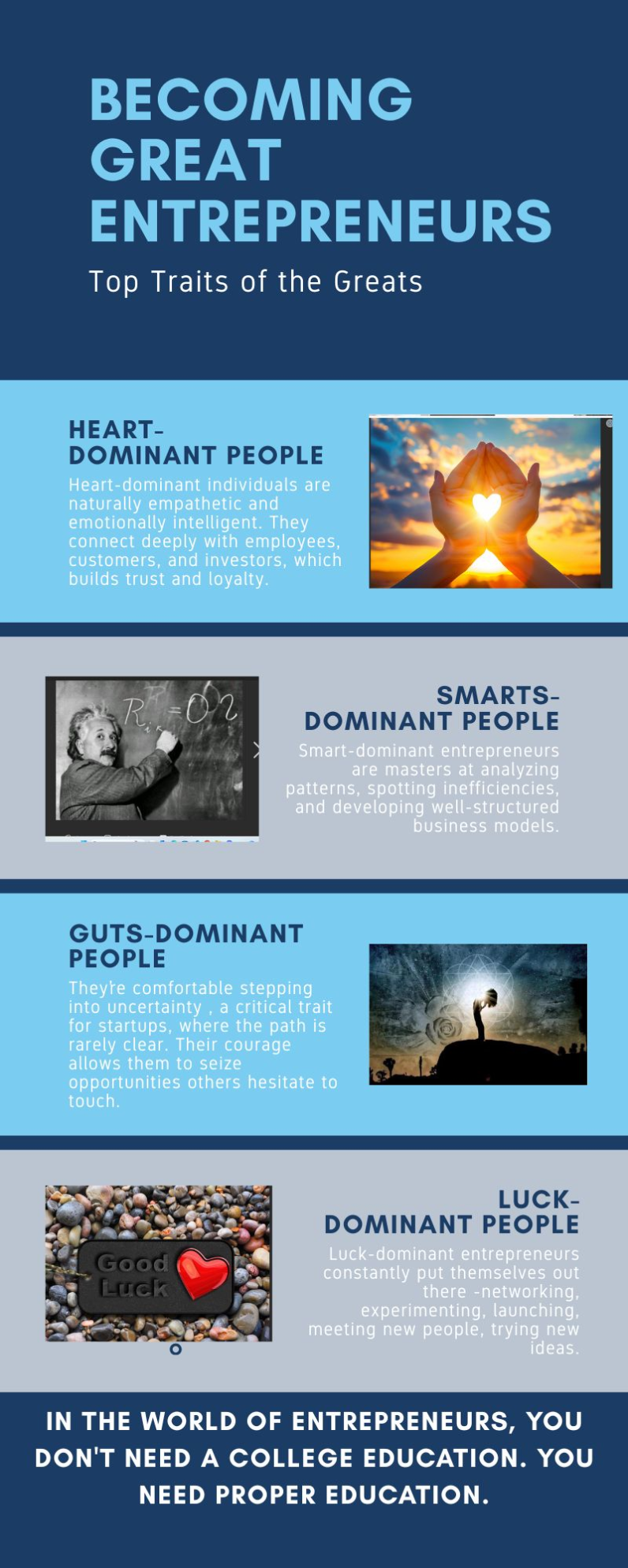
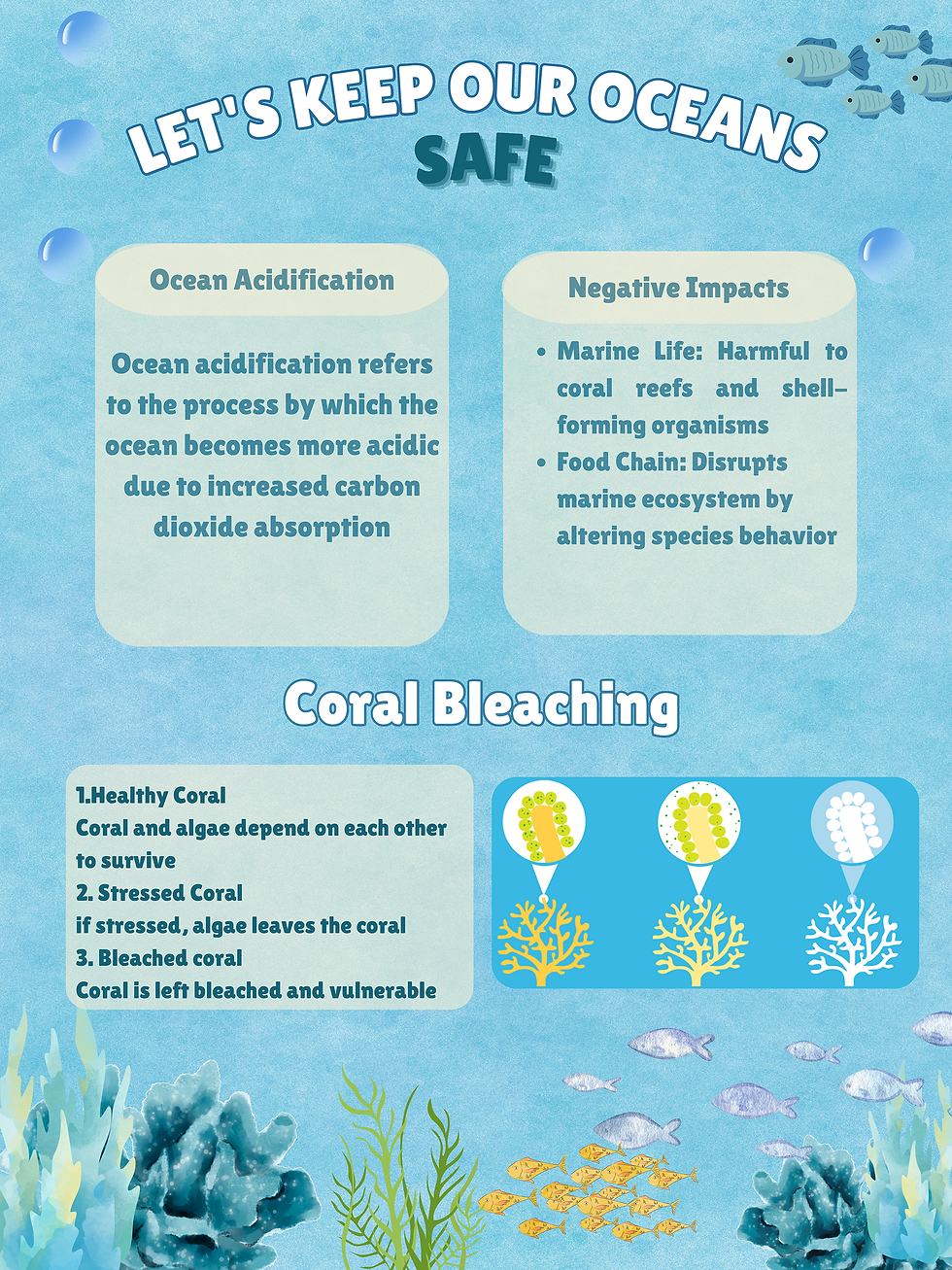
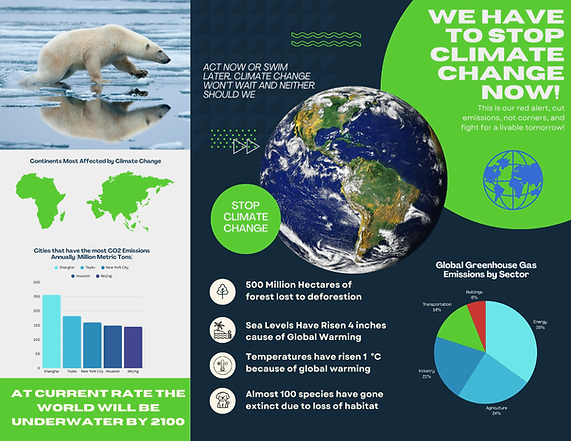
Students examine remix culture as a form of creative expression and cultural commentary. Using infographic or collage-based poster design, they learn to ethically collect, transform, and recontextualize existing media while considering audience, message, and visual hierarchy.
Skills Developed
-
Remix and transformation practices
-
Information design
-
Visual hierarchy
-
Ethical media use and copyright awareness


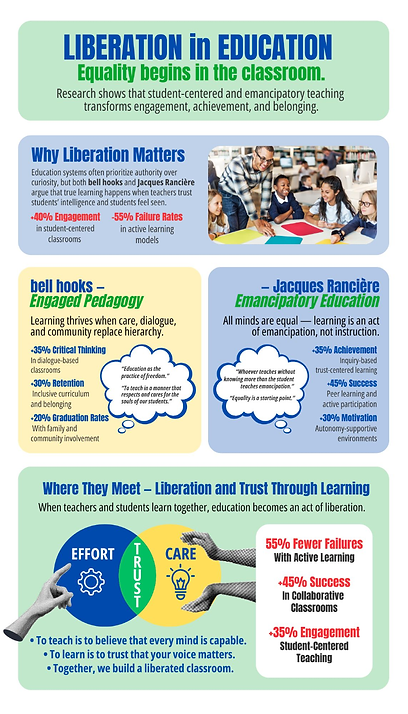


Student Work Preview
Students explore photography as a form of visual communication through creative editing activities. By analyzing and modifying their own photographs, they learn how artistic choices—including composition, color, cropping, and visual emphasis—shape meaning and audience interpretation. The project encourages students to develop intentional design decisions while reflecting on the relationship between aesthetics and communication.
Skills Developed
-
Visual communication
-
Creative decision-making
-
Image editing fundamentals
-
Critical reflection on artistic intent
Professional Portfolio Website
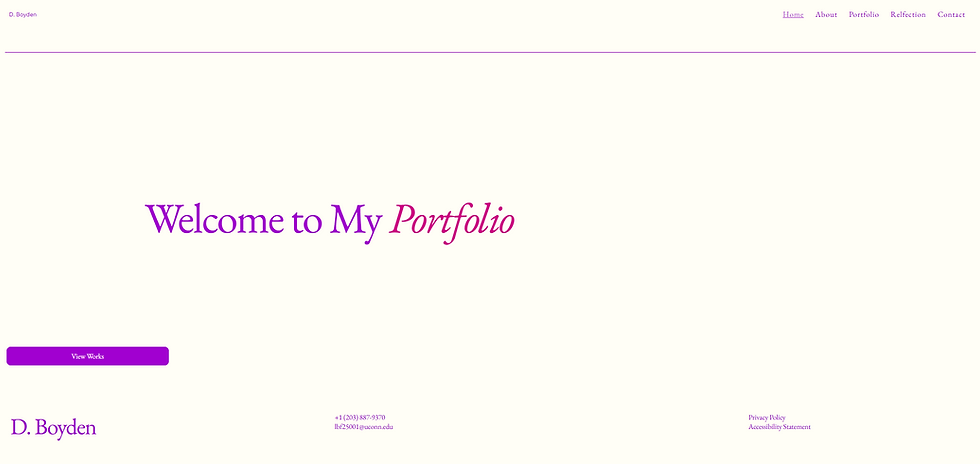
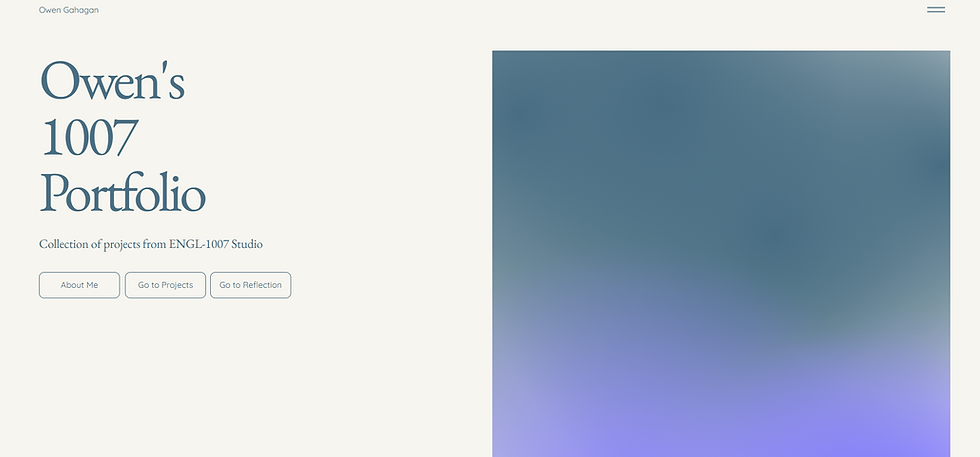
The semester-long portfolio project guides students through the process of designing, developing, and refining a professional website that communicates their identity, interests, and accomplishments. Using Wix, a widely used website-building platform, students learn how digital tools can support effective communication, creative expression, and professional self-presentation. By the end of the semester, each student produces a fully functional personal website that serves as a public-facing digital portfolio.
Project Development Process
1. About Me Page
-
Define personal and professional identity
-
Write for a public audience
-
Develop a clear content strategy






Student Work Preview
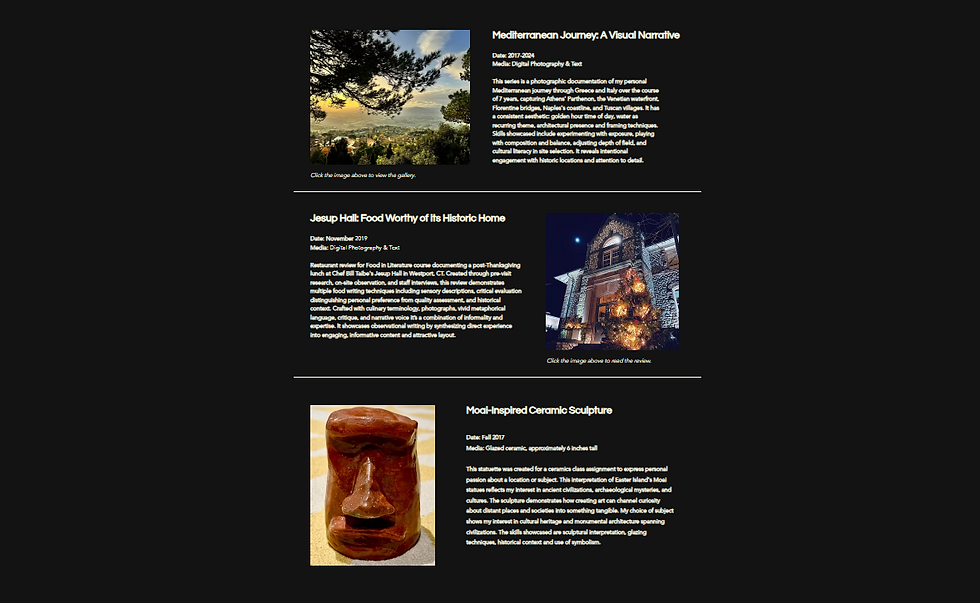
2. Curation Project
-
Select and organize meaningful artifacts
-
Build narrative connections between content
-
Practice visual hierarchy and information organization


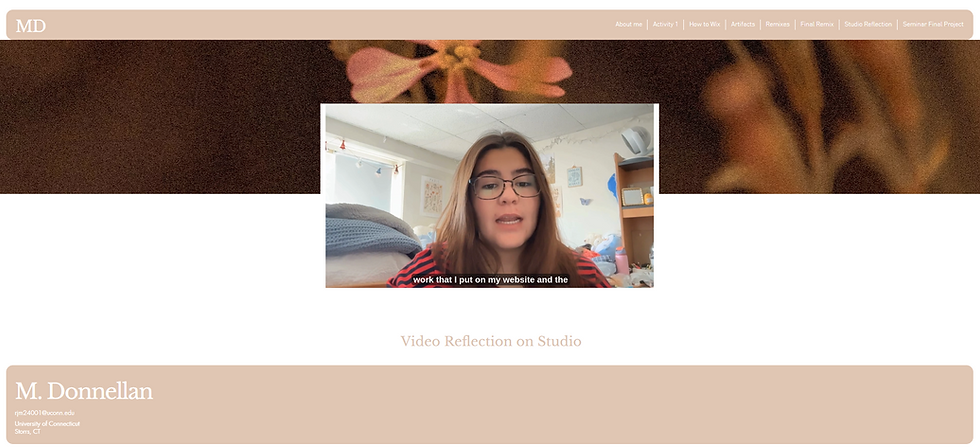
3. Circulation & Reflection
-
Consider audience engagement and online communication
-
Reflect on design decisions and user experience
-
Evaluate how digital content is shared and interpreted


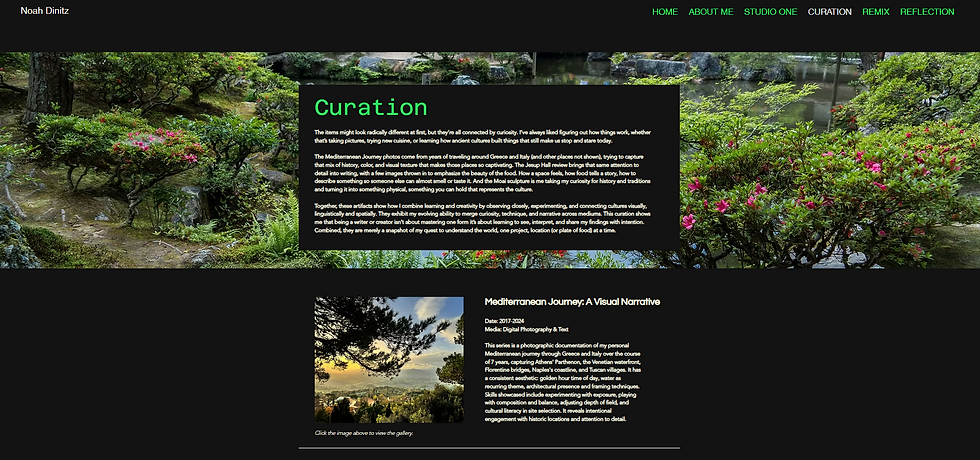
4. Final Exhibition Portfolio
-
Integrate all project components into a cohesive website
-
Refine visual design, navigation, and accessibility
-
Present a polished professional portfolio




Student Work Preview
Skills & Learning Outcomes
Digital Literacy
-
Website creation and content management
-
Responsible participation in digital environments
-
Understanding digital communication practices
Website Design Fundamentals
-
Information architecture
-
Content organization
-
Visual consistency
-
Responsive design considerations
UI/UX Principles
-
Layout and navigation design
-
Typography selection and readability
-
User-centered communication
-
Peer usability testing and iterative improvement
Accessibility & Inclusive Design
-
Alternative text (Alt Text)
-
Color contrast and visual accessibility
-
Readable content structure
-
Inclusive communication practices
Creative & Professional Development
-
Creative problem-solving
-
Design decision-making
-
Peer feedback and collaboration
-
Professional self-presentation
Touchpoint Activities
Weekly touchpoint assignments encourage students to identify and analyze design principles in everyday life.
Through observation, reflection, and discussion, students connect real-world examples of visual communication,
user experience, and accessibility to their own creative work. These activities provide continuous opportunities to apply design concepts directly to both the Remix Project and Portfolio Website.
Learning Outcomes
By the end of the course, students were able to:
-
Design multimodal compositions for diverse audiences
-
Apply principles of accessibility and inclusive communication
-
Practice ethical remixing and digital citizenship
-
Conduct usability testing and iterative design improvements
-
Curate and present a professional online portfolio
-
Communicate ideas effectively through digital and interactive media